
Richmond County Multi-Day Arrest Log
The sheriff's office posts no stand-alone 72-hour, weekly, or monthly blotter. The closest thing is a multi-day search on the official jail portal. Its form includes an "Over the last number of days" field. Type a wider number there. Five is a common starting value, though the form accepts other one-to-four digit inputs. The RCSO does not promise a fixed five-day publication. Results are keyed to portal admit date. So they do not reconstruct each police incident or pin down the exact moment of arrest. Agency fields help separate a sheriff booking from other entries. Those may be tied to Rockingham Police, Hamlet Police, highway patrol, or probation and parole. Open each detail record before comparing events. A compact roster row leaves out key context. Charge, court, bond, and arresting-agency details do not appear there. That context matters.
Read Richmond County Arrest Entries
Work backward from an official record. Skip the newspaper headline or the copied booking page. Pick a span wide enough for the dates at issue. Scan the admit dates, then open the detail page. Keep arrest, admission, release, and court dates separate, since they answer different questions.
- Open the RCSO portal from the sheriff’s Inmate Information page.
- Enter a multi-day value in the recent-days field. Five is a practical starting point because it appeared in the observed interface, but it is a user query rather than an official feed label.
- Review the list by full name and admit date. Use age and other displayed fields only to distinguish likely matches.
- Open the detail record to compare admit time, charge, court, bond, and agency data. Note which agency is described as confining, charging, or arresting.
- Move to released-inmate and released-charge views if the person has left current custody. Use the court record for the later outcome.
For a tighter same-day check, the Richmond County 24 Hour Arrests page explains how a value of one works and why a fresh admission can lag. The wider query suits a multi-day review better. It helps when arrest and admit dates differ.
Richmond County Arrest Log Fields
The portal splits its information between a list and a detail record. The list is text-only and paginated. A detail page may add a booking photograph. It may also show physical descriptors, court scheduling, and charge information. No photo is guaranteed. An image reflects the booking moment rather than present custody.
| Entry element | Meaning and limit |
|---|---|
| Full Name and Age | Finding fields in the roster; corroborate identity with the detail and court records. |
| Admit Date and Time | Jail intake timing, not necessarily the time of the street arrest or alleged offense. |
| Charge and Offense Date | Charge recorded for booking and its associated date; neither is a disposition. |
| Arresting and Charging Agency | Agency labels that can differ from the office currently confining the person. |
| Court Type and Date | Scheduling data that may be continued, changed, or superseded. |
| Bond and Bond Type | Conditions shown when viewed; bond is not punishment or a finding of guilt. |
| Current or Released Route | A custody-state distinction. Release does not establish dismissal or acquittal. |
| Booking Image | May appear on an individual detail record, not in the multi-person list. |
Charge labels can change after intake. The North Carolina Judicial Branch holds part of the case path that follows booking. So does the Richmond County Clerk. A disposition is the recorded outcome, such as dismissal, plea, acquittal, or judgment. The jail entry is no substitute for that later record.
RCSO Newsroom Is Not a Blotter
The RCSO Newsroom is an official agency page. It offers announcements rather than a searchable daily arrest log.
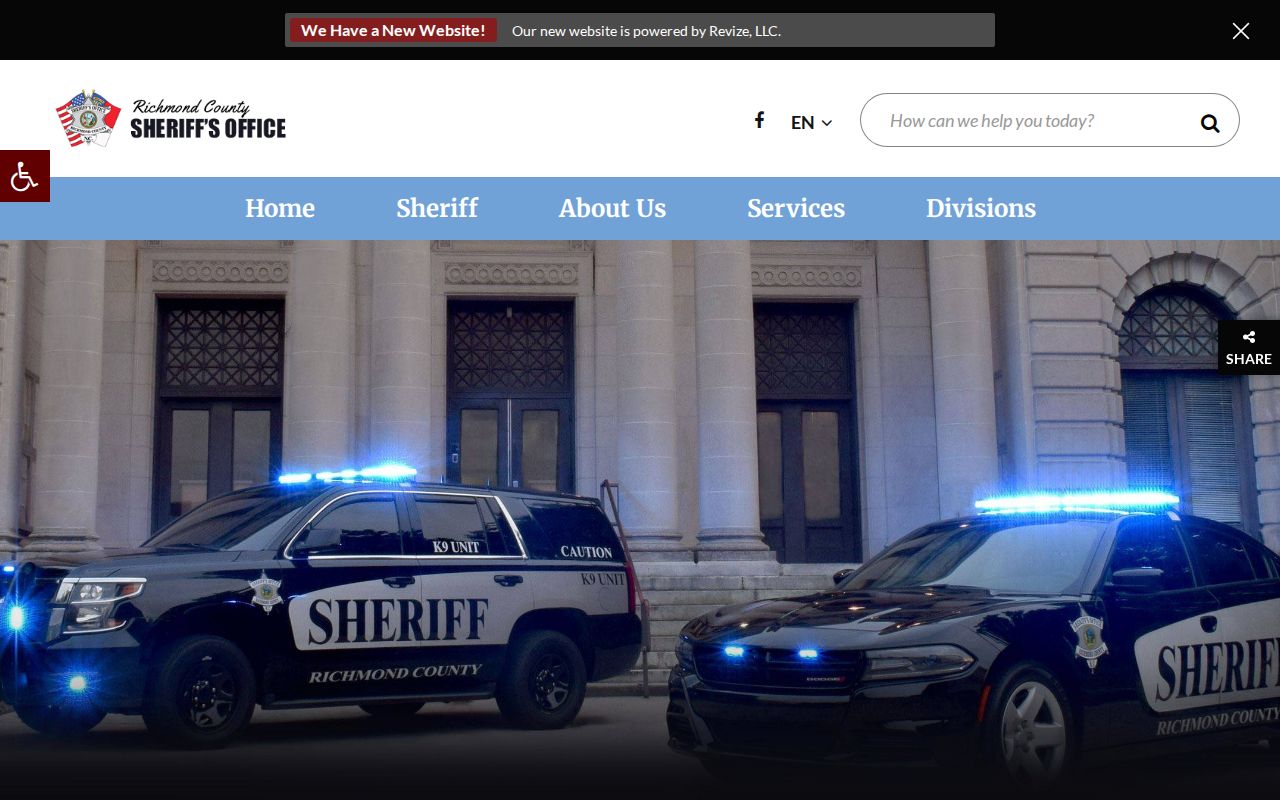
The newsroom adds context to selected agency announcements. The jail portal remains the official multi-day booking query. That split prevents two common errors. A missing newsroom story does not mean no arrest occurred, and a published release does not prove the person remains in Richmond County custody. Match an announcement to the live jail record first. Then check the court file when the case outcome matters.
Richmond County Arrest News Context
The Richmond County Daily Journal adds a narrative layer the compact jail database lacks. Its staff reports may draw on RCSO releases, warrants, and court records, then discuss bonds or scheduled appearances. Stories can discuss bonds or scheduled appearances. Coverage is selective and event-driven. Not everyone admitted gets a story. A Daily Journal recent-arrests report shows the kind of story the outlet publishes.
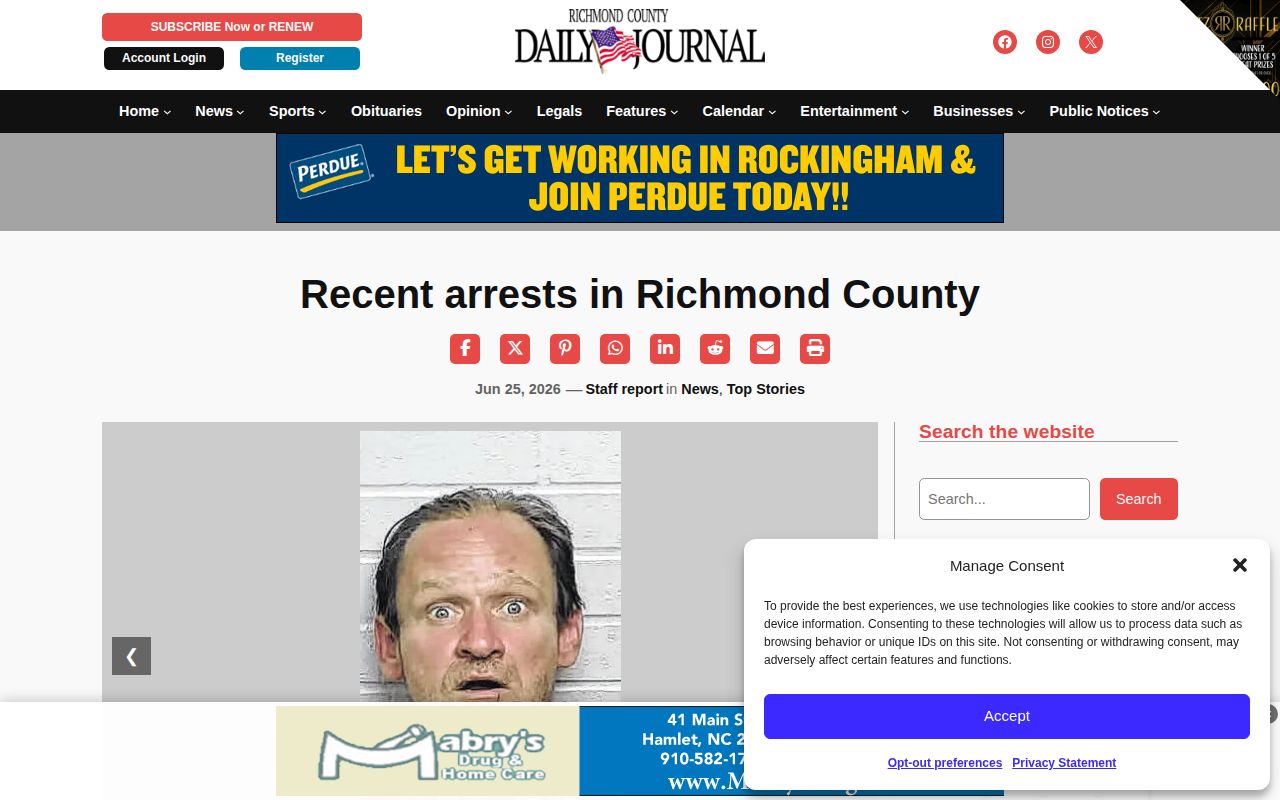
The article can explain why named cases drew coverage. Bonds, court dates, and custody details still need an official check. The paper's archive search reaches older stories by topic or approximate date. Newspaper publication does not follow the portal's recent-days range. An article can stay online after a release or an official data change. Keep publication date and event date distinct.
Unofficial Richmond County Arrest Archives
Commercial publishers promise deeper archives than the RCSO portal shows. They remain secondary copies. RecentlyBooked claims a 30-day Richmond County view. The site says it refreshes multiple times each day. Those are publisher claims, not county retention or update promises. Photos can linger after the official record changes. Entry pages can, too. The RecentlyBooked Richmond County page documents one such unofficial search surface.
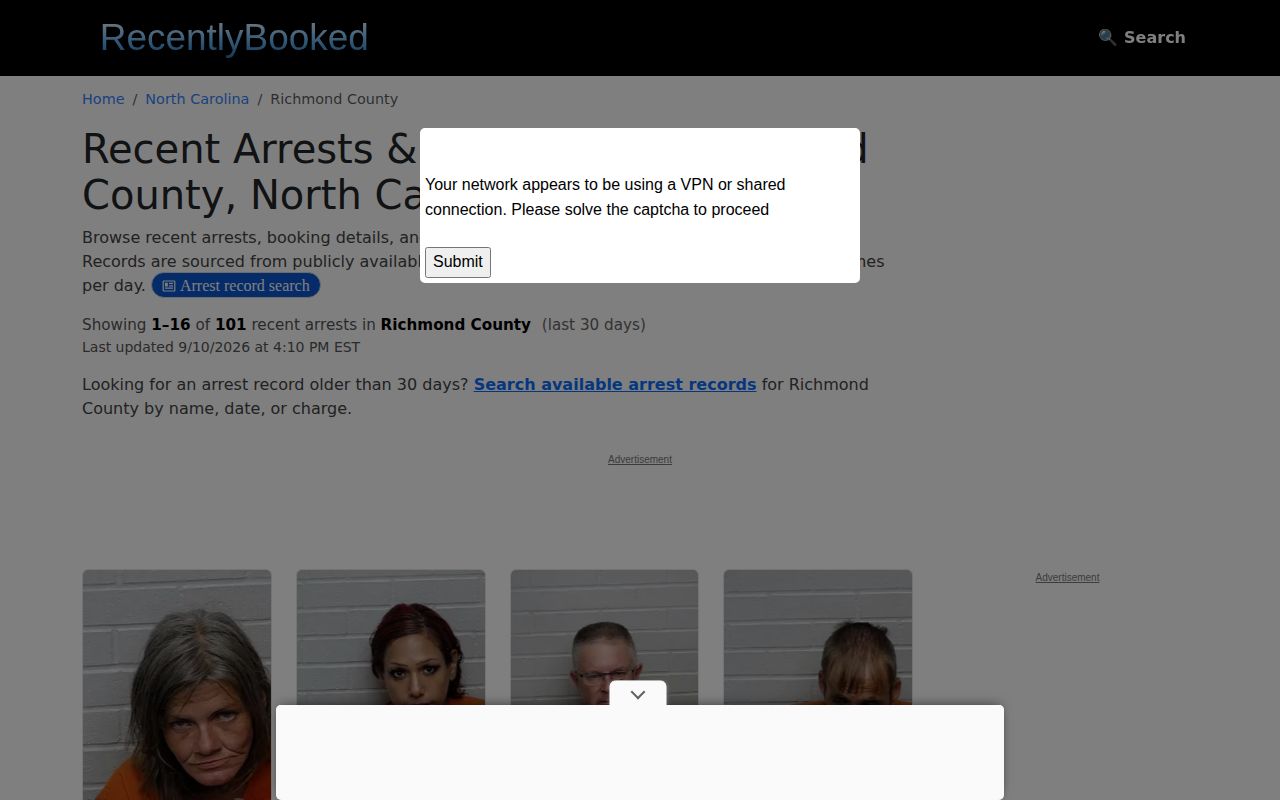
Use date clues from those sites only for discovery. Then return to RCSO and the courts for identity, custody, charges, and disposition. Busted Newspaper and Mugshots.Zone also keep Richmond County sections with older-looking entries. Arrests.org exposes county and agency filters. None is an RCSO archive. Copies can be delayed, incomplete, stale, or wrongly matched, and the Daily Journal is secondary too, though its stories add reporting context. Official sources come first.
Note: Never treat a third-party "last updated" time as the Richmond County Jail's posting time, since RCSO publishes no such clock.
Older Richmond County Arrest Records
How far back does Richmond County booking data go? The public portal makes no promise on that score. A wide search can surface an old jail admission, and released-inmate routes sometimes preserve a custody change. Neither one adds up to a permanent archive. Before hunting elsewhere, ask RCSO directly whether the booking material still sits with the sheriff, lives in a case file, was destroyed under an approved schedule, or moved to another repository.
Retention rules come from the state. The North Carolina County Sheriffs’ Office records schedule governs arrest histories, arrest reports, mug shots, rosters, commitment and release reports, and inmate-incarceration files. Each series carries its own rules. Item 53 sets three years after release or transfer for certain inmate-incarceration records, unless a different schedule, case-file rule, or legal hold overrides it. Treat that span as a retention rule, not a promise that anything stays viewable on the web.
Follow the paper trail next. If RCSO points to a court file, contact the Richmond County Clerk, since older paper records may predate the county's eCourts rollout. If the agency reports an archival transfer, query the North Carolina State Archives with the county, creating agency, rough dates, record series, and any case or booking number. The Archives holds plenty, but not every sheriff record.
Request Richmond County Arrest Archives
Want a copy of an old Richmond County booking record? Go in writing. North Carolina public-records requests go to the Richmond County Sheriff's Office records custodian. They can also go to the Jail Division at 1 Court Street, Rockingham, NC 28379. Call first to learn which office holds the booking event you need. The main number is (910) 895-3232. The official jail page lists (910) 997-8248. RCSO publishes no dedicated booking-record form. It posts no fixed booking-photo fee, so a plain letter or email does the job.
Give the request some shape. Include the full name and known birth date. Add the approximate arrest and admit dates, the arresting agency, and any case or booking number. Name the exact items you want. That could be the admission record, the charge and bond record, a booking image, or a release and transfer record. State law requires lawful copies to be provided as promptly as possible. No single response deadline applies to every request, though, so ask for an estimate and electronic delivery where feasible.
Expect some limits. Investigative, juvenile, medical, sealed, expunged, victim, and other protected material may be withheld or redacted. An arrest entry does not unlock every investigative file. The sheriff may no longer keep an item. Ask whether it was destroyed under schedule, retained with a case file, or sent elsewhere.
Arrest Log Does Not Prove Guilt
A release entry in the Richmond County arrest log tracks one thing only: movement in and out of custody. It does not describe what a court later decided. Treat each booking line as a snapshot of jail status, nothing more.
Whenever you repeat something from a log entry, say where it came from and when. A phrase like “the portal listed” keeps your words tied to the record itself. Headlines and booking labels should never be retold as settled fact.